Type the dish. Get the photo in ten seconds.
No food stylist. No light tent. No re-shoots on a Tuesday afternoon. Type the name, the AI generates a real-looking plate ready to publish — and re-shoots with one click if you don't like it.
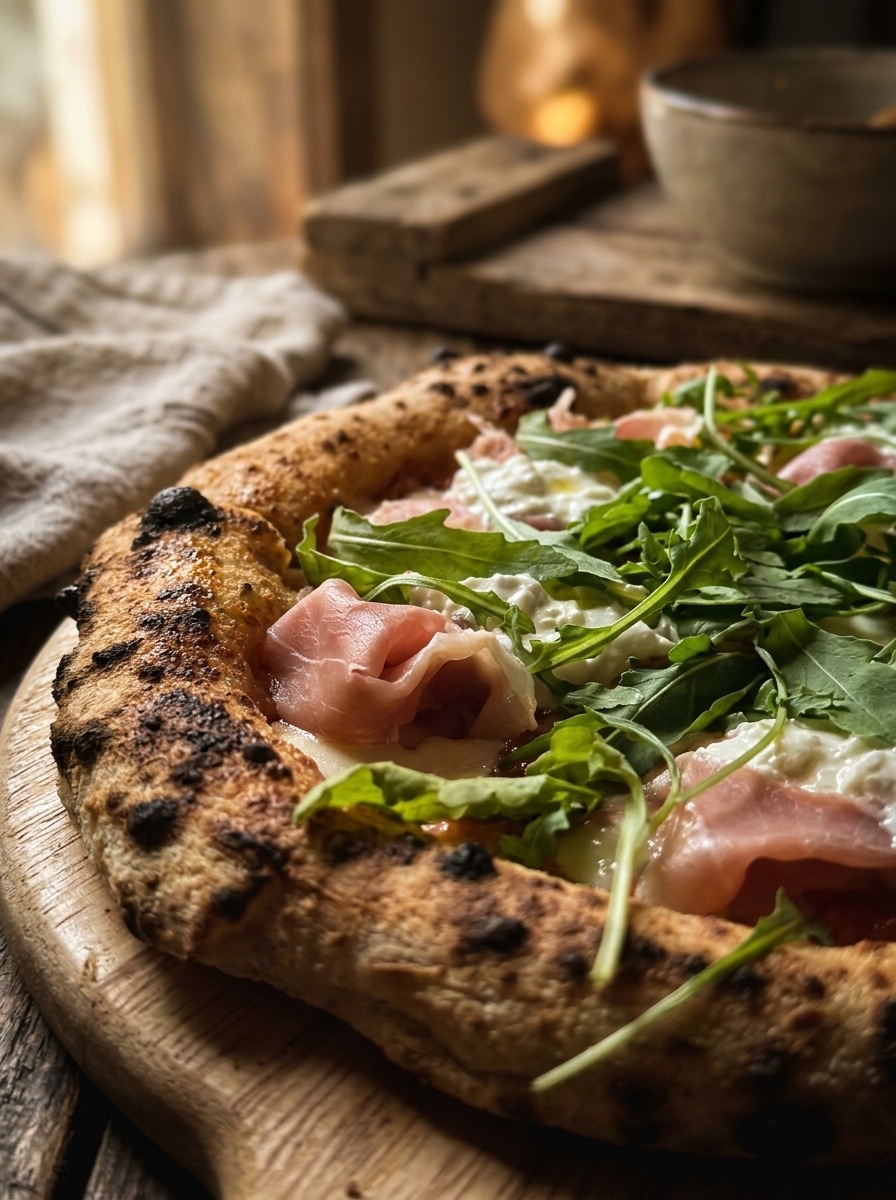
Your phone photo, made menu-ready
Upload the shot you took on the pass and it comes back lit and framed like a menu photo — the same plate, not a stock one.
Fourteen languages, automatic
Every description translates into the fourteen languages your customers actually speak. New language? One click.
Pick the look, from street food to fine dining
Street food, fine dining, marble, wood, moody, bright — pick what suits your room. If none of them do, save your own and reuse it.
Every shot you make is kept
Generations land in your library, not just in the post you made them for. Come back for the same plate next month and it is still there.
A first draft of the allergen line
The description comes back with a suggested "contains" line. Read it before it goes live — it is a starting point, not a substitute for what your kitchen knows.
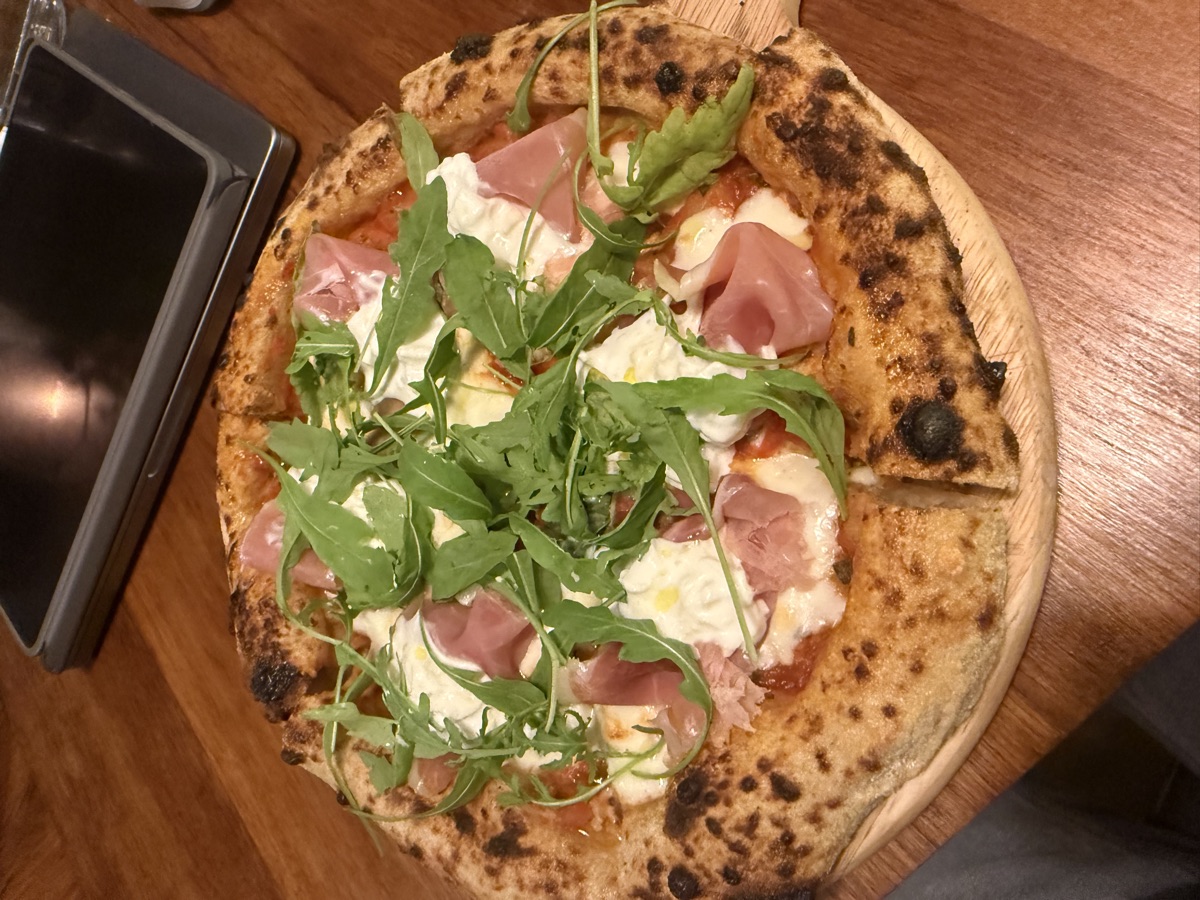
Not right? Try another look
Run the same photo through a different style until it fits. Your original stays put, so trying another look never means shooting it again.
What actually changes
Phone photos, or no photos
- Forty dishes on the menu and six photos, all taken in different light on different days.
- A shoot costs a day of service and covers the menu you had that season, not this one.
- The new special goes up with no photo, so nobody orders it in the first week.
- Your feed looks like eight different restaurants because eight people shot it.
- You re-shoot nothing, because re-shooting means booking a photographer again.
One style, every dish, in minutes
- Every dish has a photo, in the same light and the same style, including the ones nobody shot.
- A phone photo from the pass, taken between tickets, comes back looking professional.
- Tonight's special has a photo before service starts.
- The whole menu and the whole feed look like one photographer did all of it.
- Don't like it? Ask again with a note — "warmer, less garnish" — and it re-does it.
How it works
The dish is real and the photo is of that dish. This restyles what you shot — it does not invent a plate you do not serve.
- 01
Take the photo on the pass
Phone, overhead light, thirty seconds between tickets. It does not need to be good — it needs to be the actual plate you send out.
- 02
Pick a look
Warm and rustic, clean and bright, dark and moody. One choice that applies to everything, so the menu holds together instead of looking assembled.
- 03
It comes back restyled
Same plate, same food, same portions — better light, cleaner background, the shadows a studio would have given it. Seconds, not a day of shooting.
- 04
Or design a look that is yours
Describe your room in a chat — the marble, the low light, the linen — and a style gets built for you and tested on your own food before you commit to it.
- 05
Everything lands in one library
Every photo you have made stays in one place, ready to drop onto a dish, into a post, or into a video, without hunting through a phone camera roll.
- 06
And it goes straight onto the menu
One tap puts it on the dish. The web menu updates, the QR keeps working, and the numbers start telling you whether the new photo made guests open it more.
Which plan it comes with
The studio is on the Plus plan. Every generated photo also spends credits, which your plan includes each month.
Photos and descriptions on your menu, and enough credits to see what the AI does with your food before you decide.
Roughly ten times the monthly credits, and your own web address for the menu the photos live on.
The Photo Studio itself — restyling, your own designed look, the library — plus the credits to photograph a whole menu.
- A food photographer for a day, for a menu that changes next season.
- A second shoot every time you add a special.
- Stock photos of food you do not actually serve.
Photos are restyled from your own shots — the plate on the page is the plate you send out.
AI Photo Studio — live tonight.
No card, no setup call. Start free and the agents pick it up on their next shift.