One link in your bio. All your buttons on one page.
Instagram gives you one link. LinkMe makes it open a page made for a restaurant: your menu, one dish, your booking page and your delivery apps. It is free. There are no ads from other companies.
This is a LinkMe page
This is what a guest sees on the phone. Watch the sky. It follows the time at your restaurant.
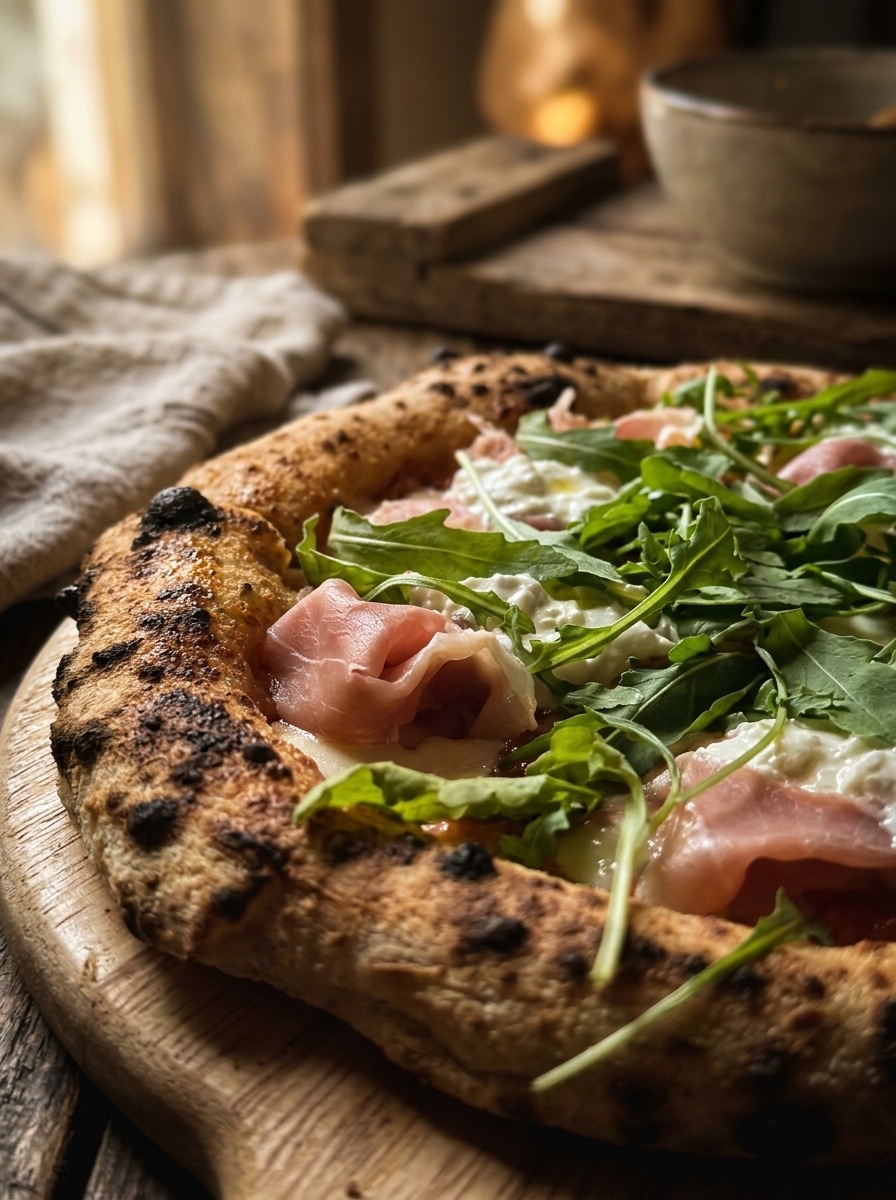
A button can open one dish.
Other link pages only know web addresses. LinkMe knows your menu. A button can open your menu, one section or one dish. Add Grab, TableCheck or LINE too.
Your page looks like your restaurant.
Pick a colour, a photo or a video for the background. Put a colour on top, so the text is easy to read. Pick the shape and the colour of your buttons.
The sky follows your clock.
By day your page has a blue sky. At sunset it turns orange and pink. At night there are stars. It uses the time at your restaurant, not the time of the guest.
The text changes colour at sunset, so guests can always read it.
Write it. We make the picture.
Write what you want to see. The AI makes a tall picture that looks like your restaurant. Then press Make it move. The photo becomes a short video that plays again and again.
The page is free. AI pictures and moving pictures use credits.
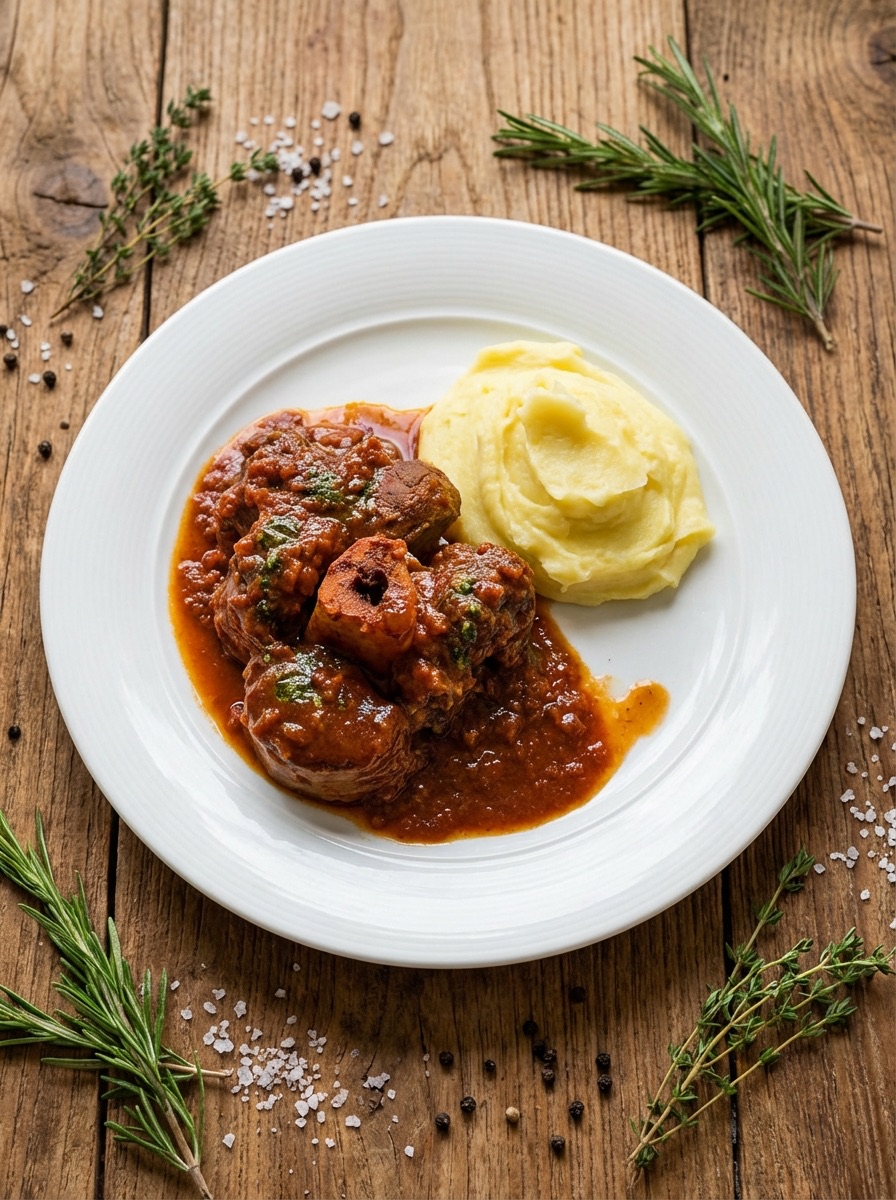
Change your page with one message.
Write to your bot on Telegram. It shows you the change first. Nothing changes until you press Apply.
You see what guests tap.
You see how many people open your page. You see which button they tap. You see if they came from Instagram, TikTok or a QR code.
What changes
A general link page
- It does not know your menu. Each button is only a web address.
- It cannot open one dish of your menu.
- It does not show your opening hours.
- It is one more app, one more login and one more thing to update.
- It looks the same at noon and at midnight.
- To change a button, you open its app and log in.
LinkMe
- It knows your menu. A button can open a section or one dish.
- It shows your hours for today. They come from your settings.
- It is in the same app as your menu. You have one login.
- You see which button guests tap, and where they came from.
- Its sky follows your clock: blue by day, stars at night.
- You change a button with one message on Telegram.
How it works
Four steps. It takes about ten minutes.
- 01
Add your buttons
Pick pages from your site: your menu, a section or one dish. Add other websites: your booking page, Grab or LINE. Put them in the order you want.
- 02
It uses your look
The page takes your logo, your colours and your font from your settings. It shows your opening hours for today.
- 03
Put the link in your bio
Copy the address. Paste it in your Instagram, TikTok or Google profile. Make one tracked link for each profile. Then you see which one brings guests.
- 04
See what guests tap
You see how many times people open the page. You see the taps on each button. You see if they came from Instagram, TikTok or Google.
Which plan it comes with
LinkMe is free on every plan. A paid plan takes away our button.
LinkMe with all your buttons and your numbers. A small "Get a free LinkMe" button sits at the bottom of your page.
No BiteTheMenu button, only a small line at the end. Your own web address for your menu and your LinkMe.
Everything in Essential. Plus the Photo Studio and the numbers from your whole menu.
- A general link page app, with one more login.
- A separate link for each dish you want to show.
- A guess about which profile brings guests.
You do not need a card. Your buttons and your numbers stay yours.
LinkMe — your link page — live tonight.
No card, no setup call. Start free and the agents pick it up on their next shift.